

What Is an Anonymous Account (Hashed Login)?


How an Anonymous Account Works
When you choose Hashed during sign up:
- A 32-character account hash can be automatically generated or you can provide your own
- This hash is your only login credential on all devices.
- There is no separate password or email tied to the account.
Your account works like any other Windscribe account. The only difference is how you sign in.
Three Ways to Create Your Account Hash
You can create the 32-character hash in three ways. On the Sign Up page, click on “Hashed”:
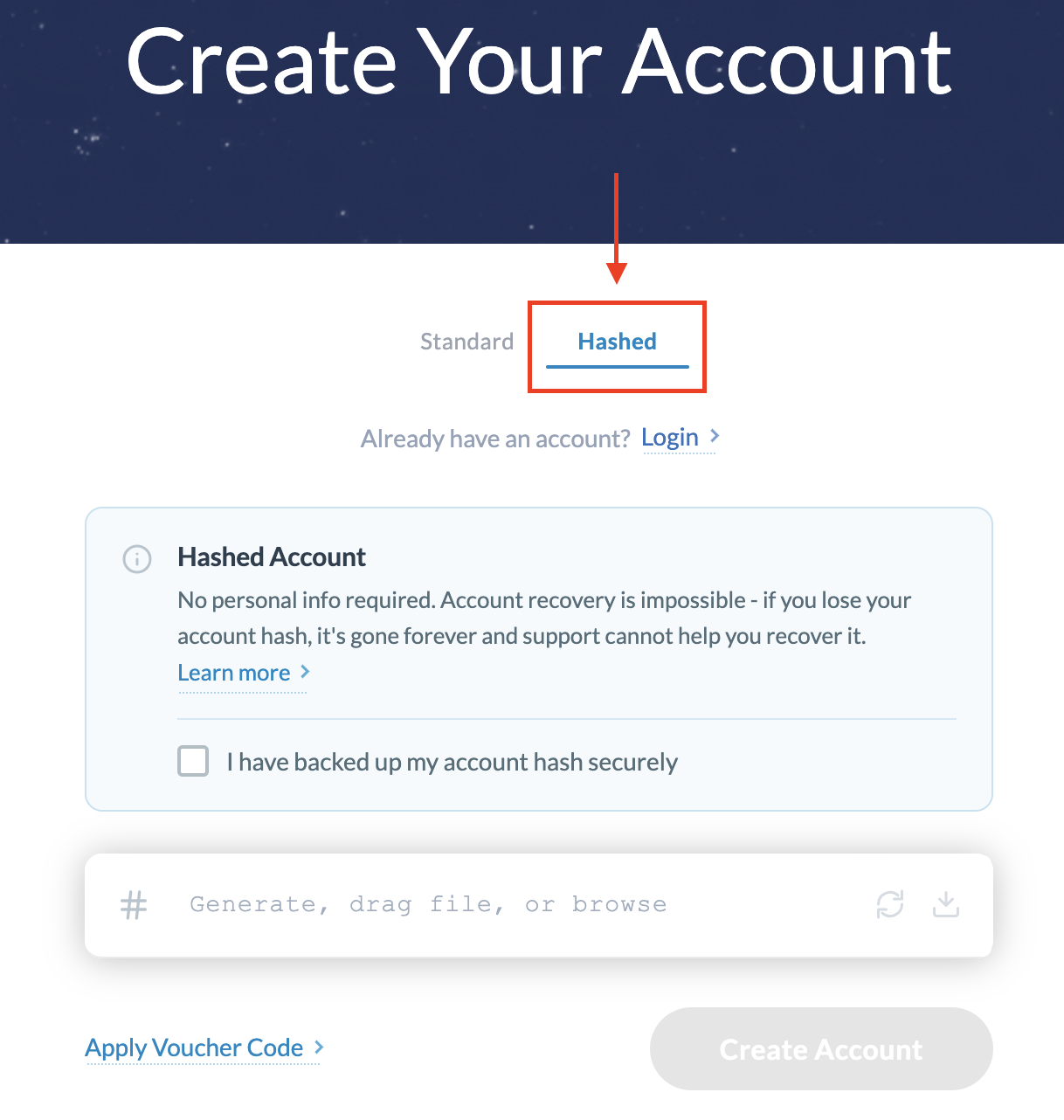
1. Random hash (default)
- Click the arrow-circle
- Let Windscribe generate a random 32-character hash and click “Create Account”
- Save it somewhere secure. You will need this exact string to log in.
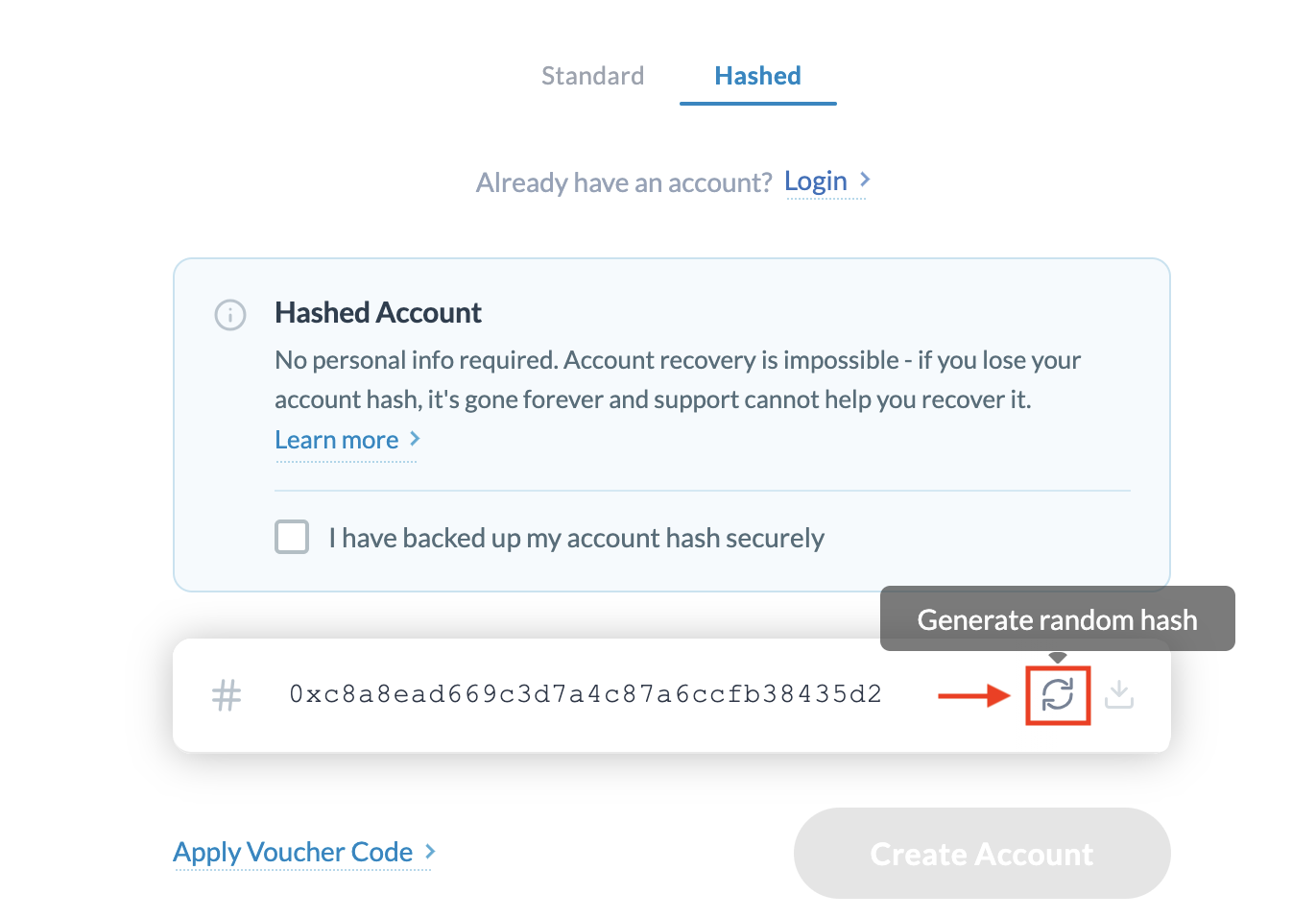
2. Provide your own hash
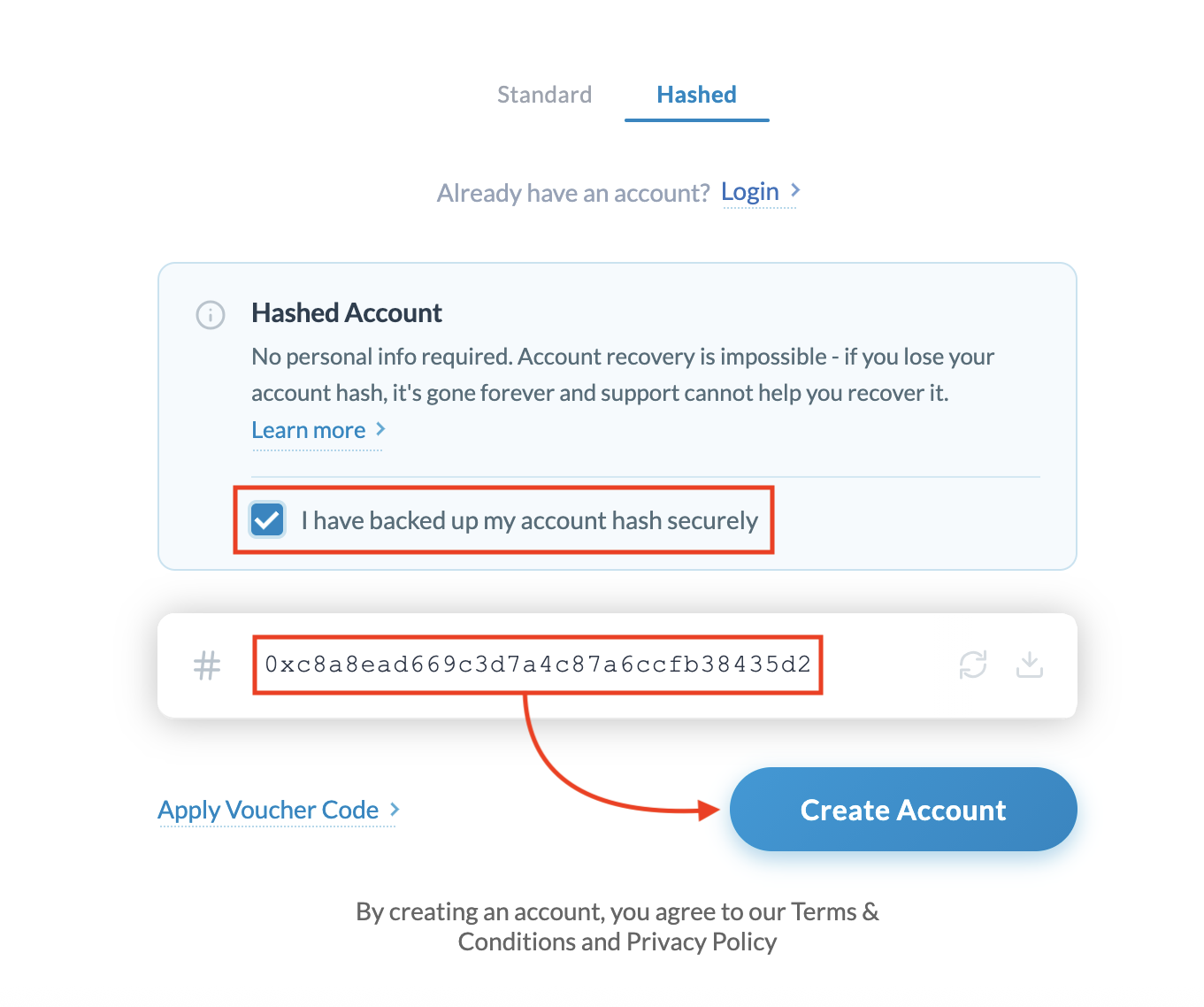
- Pick your own 32-character hash and make sure you have saved it securely. Your hash MUST start with 0x followed by 32 additional characters
- Paste directly
- Click “Create Account”
3. Hash from a file
- Choose the option to upload a file to generate a hash.
- Windscribe uses this file to create your 32-character account hash.
- You then use that hash to log in, just like with the random option.
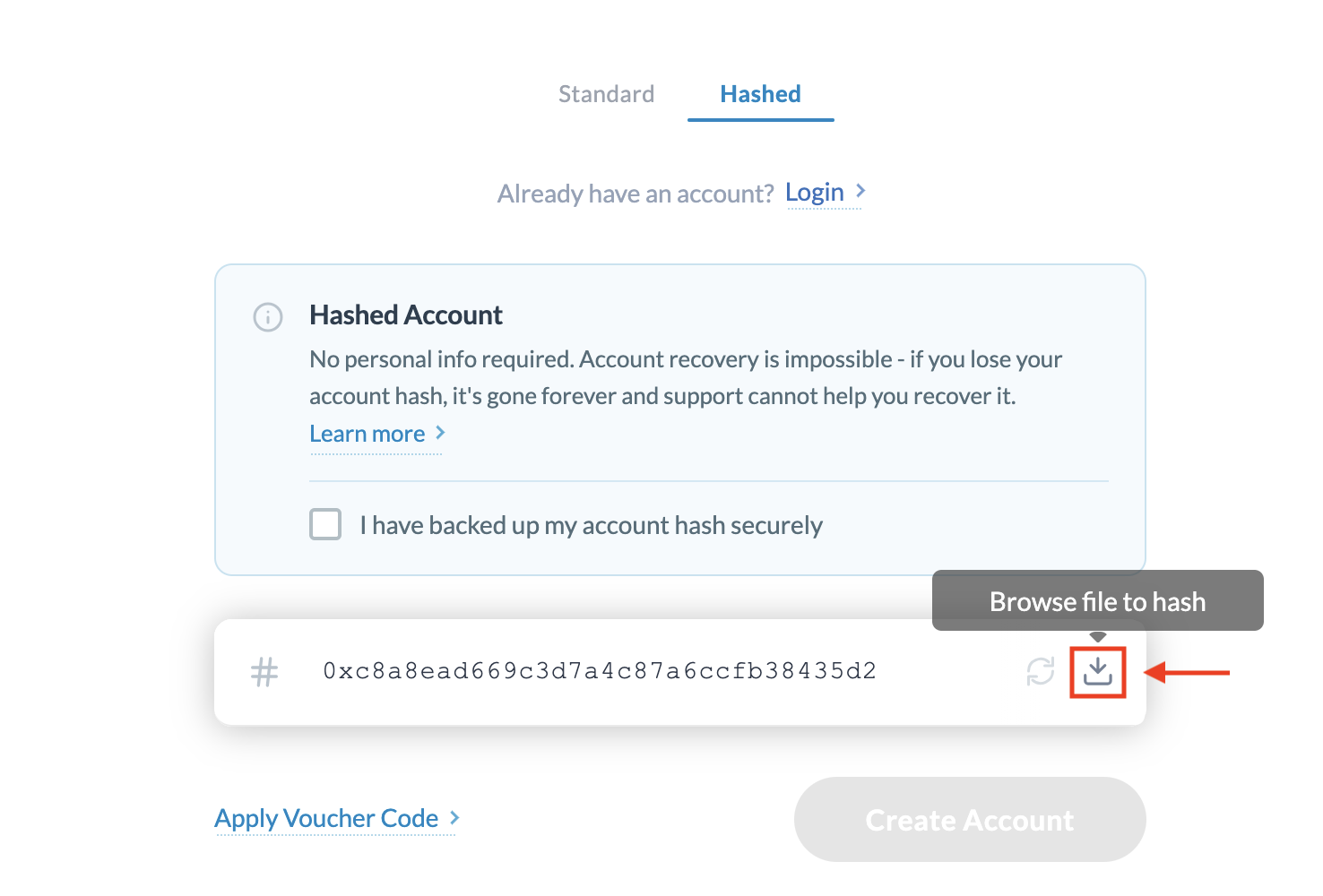
Important: Use a unique file
For security, the file you upload should be:
- Unique and private: Use a file that only you have access to
- Not reused anywhere else: Avoid profile photos, memes, wallpapers, or anything shared publicly.
If someone else has the exact same file and uses it to generate a hash, they could create the same hash and potentially access your account. Treat this file like a secret key.
No Account Recovery
With Anonymous Accounts, account recovery is not possible:
- If you lose your 32-character hash, access to the account is permanently lost.
- Support cannot reset, recover, or look up your hash.
- There is no email or username attached that can be used to restore access.
How to Store Your Hash Safely
Treat your 32-character hash like a password:
- Save it in a password manager.
- Store it in a secure notes app.
If someone else gets your hash, they can use your account.
Should I Use an Anonymous Account?
Use an Anonymous Account if:
- You do not want to share an email or username.
- You understand that if you lose the hash (or the unique image used to generate it), the account cannot be recovered.
If you want the option to reset your password or recover access later, use a regular account with a username and password instead.
How to Get Started
- Head over to our signup page, create an account, and follow the steps above.
- Next, connect to one of our servers and use Windscribe like you normally would.
This feature is available for both free and paid users.